Start the services control panel.
"Start / Services / Control Panel / Administrative Tools /
Services"
or
"Programs / Administrative Tools / Services"
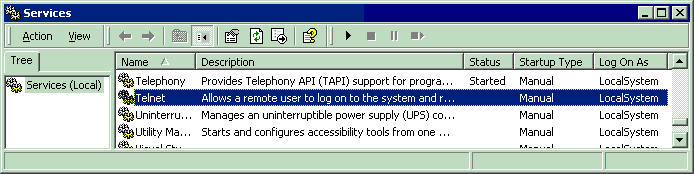
Right click, and click on "Start service" option.
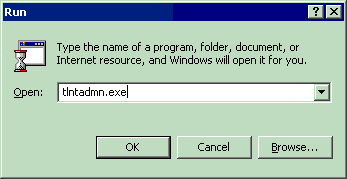
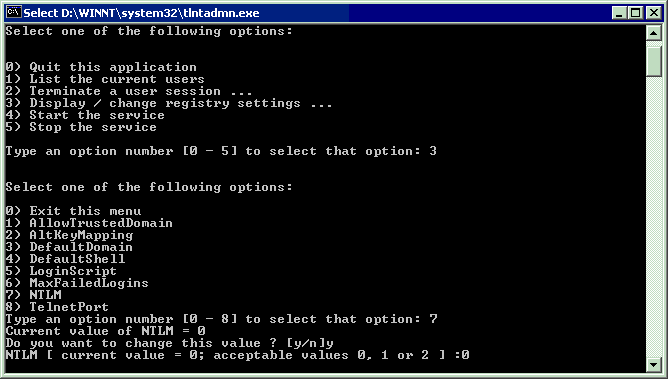
Start / Run / Tlntadmn.exe
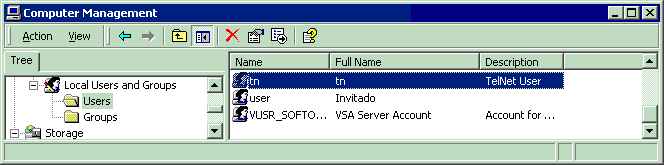
"Start / Programs / Administrative Tools / Computer Management".
Create a user to log-on with the Telnet terminal.
Give a simple and short (easy to key) name and password.
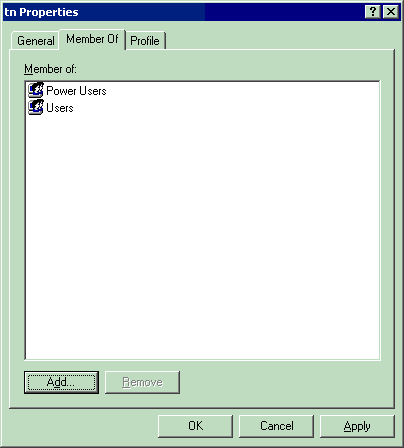
Put the TPF.exe program in the "C:\" disk and directory.
Or in other directory easy to reach.
Put the files to print in the same directory.
Connect to the W2000 server.
Give the user name and password.
Start the TPF program
| Microsoft (R) Windows (TM)
Version 5.00 (Build 2195) Welcome to Microsoft Telnet Service Telnet Server Build 5.00.99201.1 login: tn password:** |
| *===================================== Welcome to Microsoft Telnet Server. *===================================== C:\>TPF |