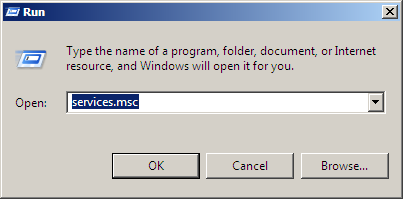
Once installed the Symphony Console on your system you have to check if the agent is working properly. Run the command services.msc
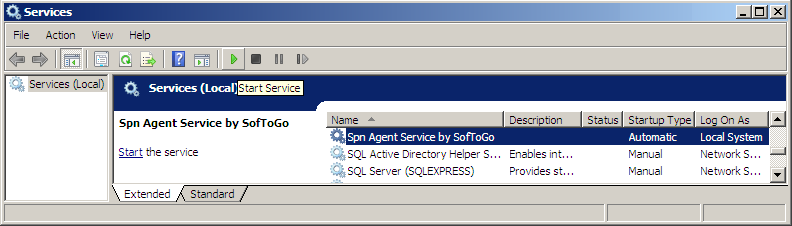
You will see the agent as Spn Agent Service by SofToGo on the services list, if the state is set to Stopped press START button, and the state will change to Running.
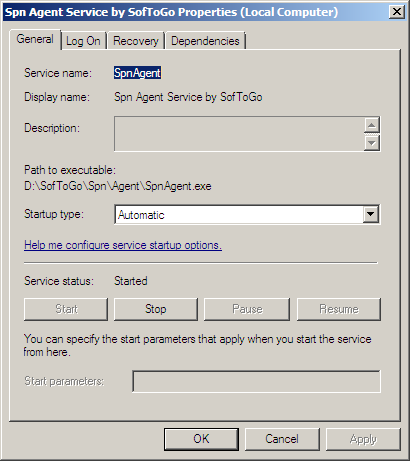
On the Services Manager you can also configure the properties of the Service. Double click on the Spn Agent Service and you will be able to set its properties: