Download the installation manuals to setup the database that Symphony is going to use, it can be an Oracle Database or an Microsoft SQL 2008 database, then follow the instructions of the Local installation manual, if you wish to make a Remote installation follow the instructions of the Remote Installation manual.
You need a license to connect more than one units to the console, once you get a one, follow the instructions from the Symphony License Manual to apply the registration of the console.
If activesync is running normally you will see that says Connected.
SofToGo Wireless Deployer Client Download
Install it following the instructions and run the
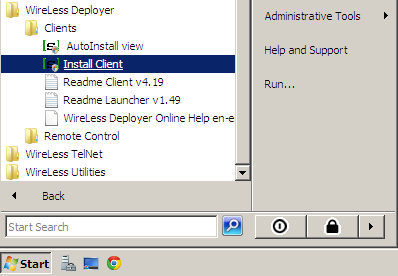
program Install Client from the Clients folder.
Then IniEditor will open and will allow you to customize the client configuration. IniEditor is a program that displays all the configuration options with a complete description and allows to activate or deactivate them.
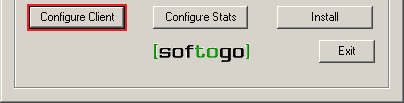
Search for the most adequate PDA from the supported list, and click on
Configure Client.
*Warning*: Every time you modify the client configuration you must install it again.
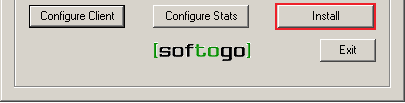
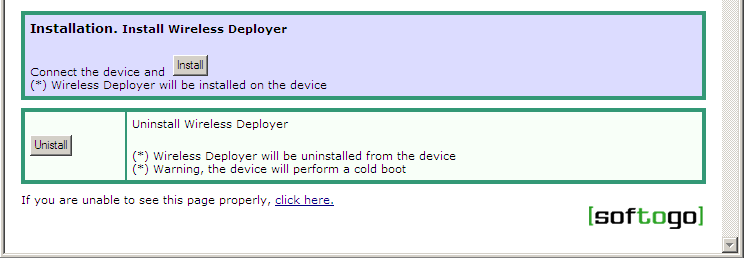
Then Click on the Install button.
A new window will open, click on Install again.
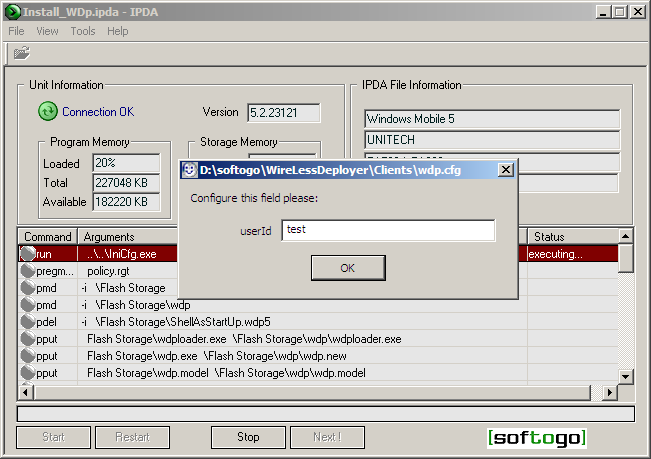
The installation process will start and eventually you will see a dialog where you can configure the user ID ,you can keep the same configuration for several units.
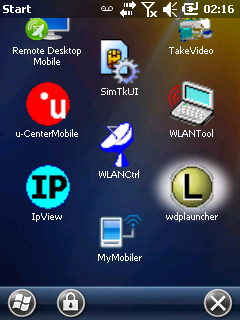
When the installation finishes the PDA will reboot and the Console will be installed on the PDA, you will see it's icon on the start menu.